


Real results
Same photo. A fraction of the size.
Four photos, each run through this page's starting settings in a browser. The sizes are those of the files that came back.
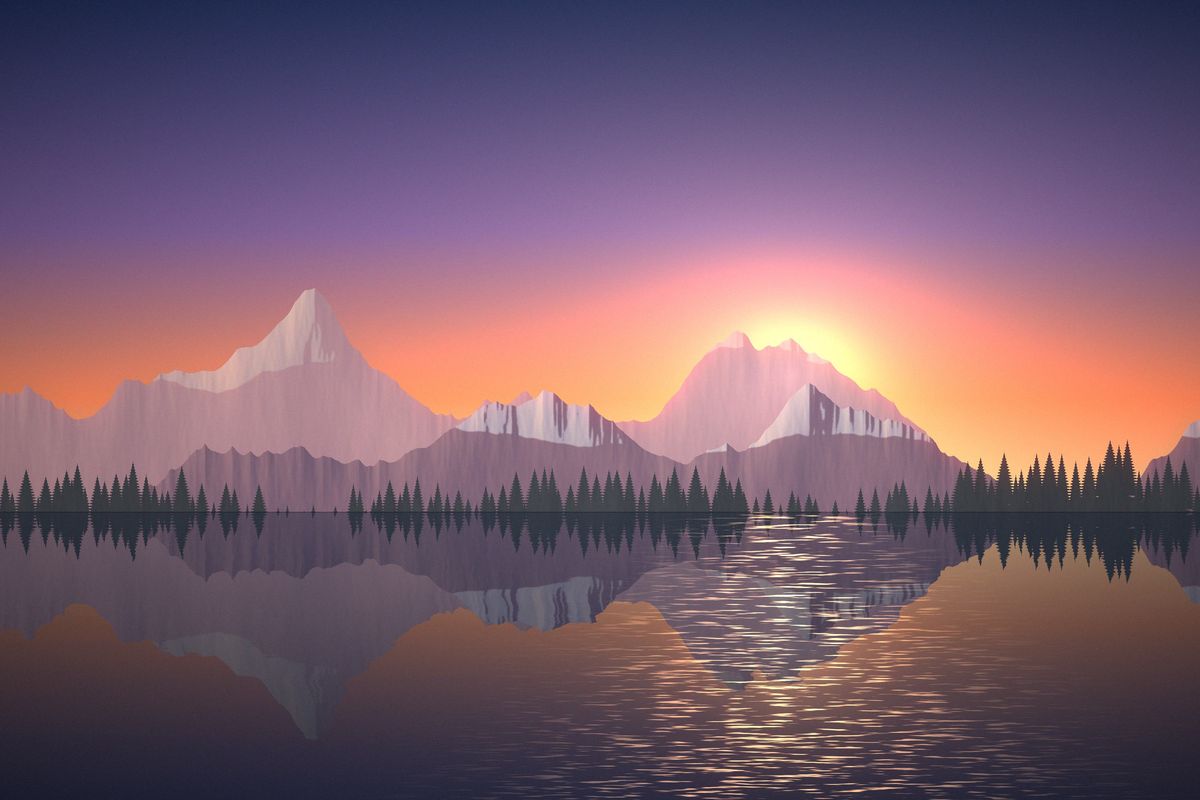 −87%3.6 MB to 466 KBSame 3000 × 2000 photo
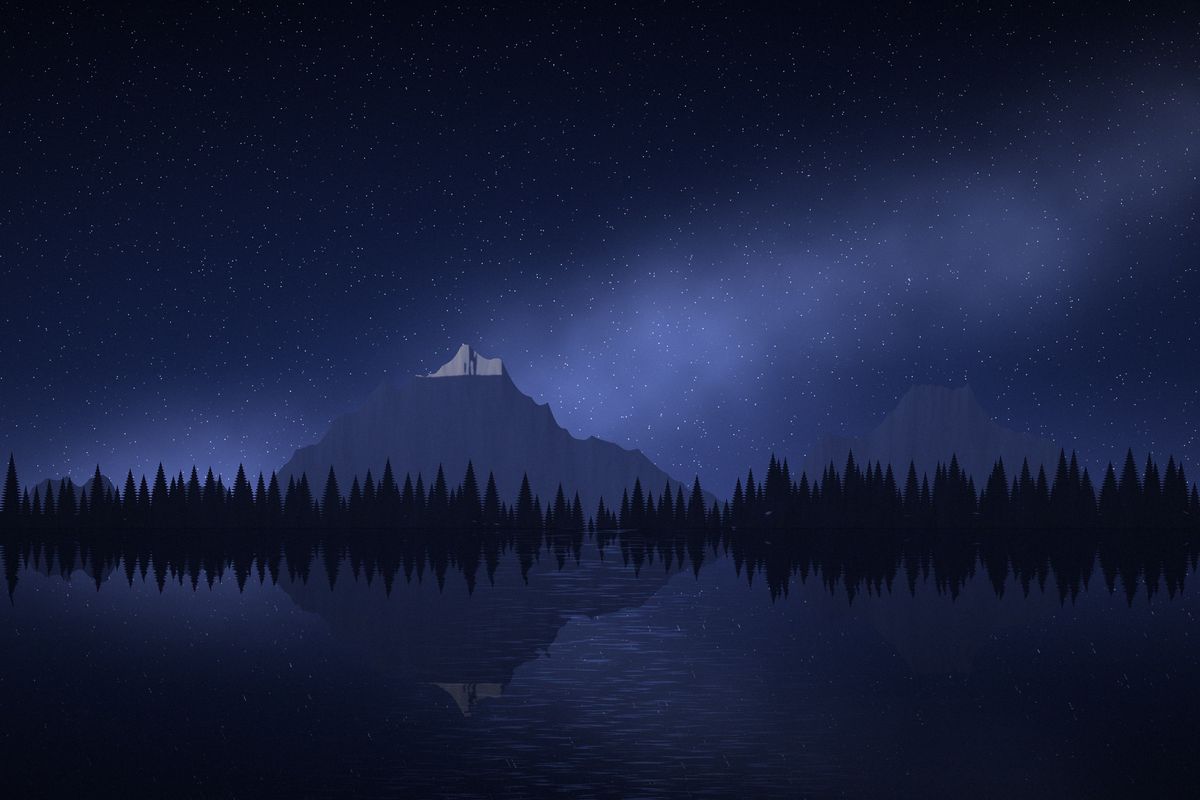 −88%3.6 MB to 430 KBSame 3000 × 2000 photo
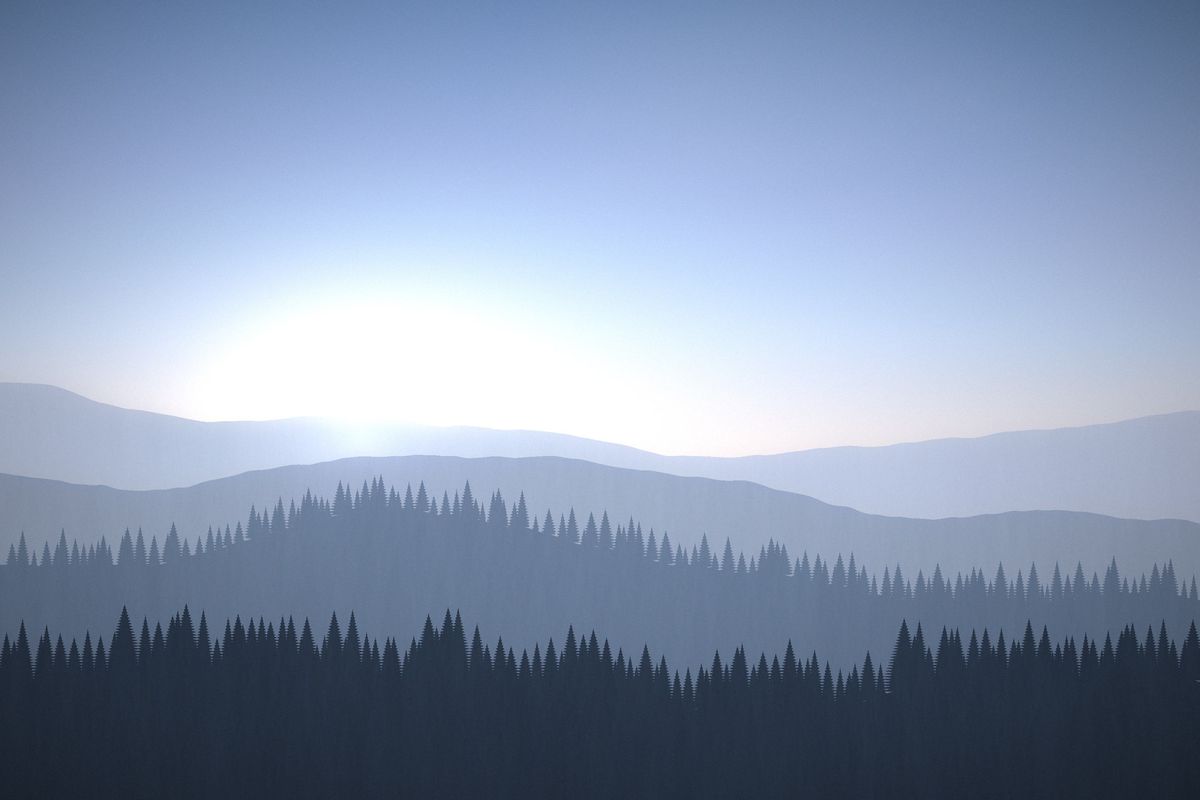 −90%3.3 MB to 347 KBSame 3000 × 2000 photo
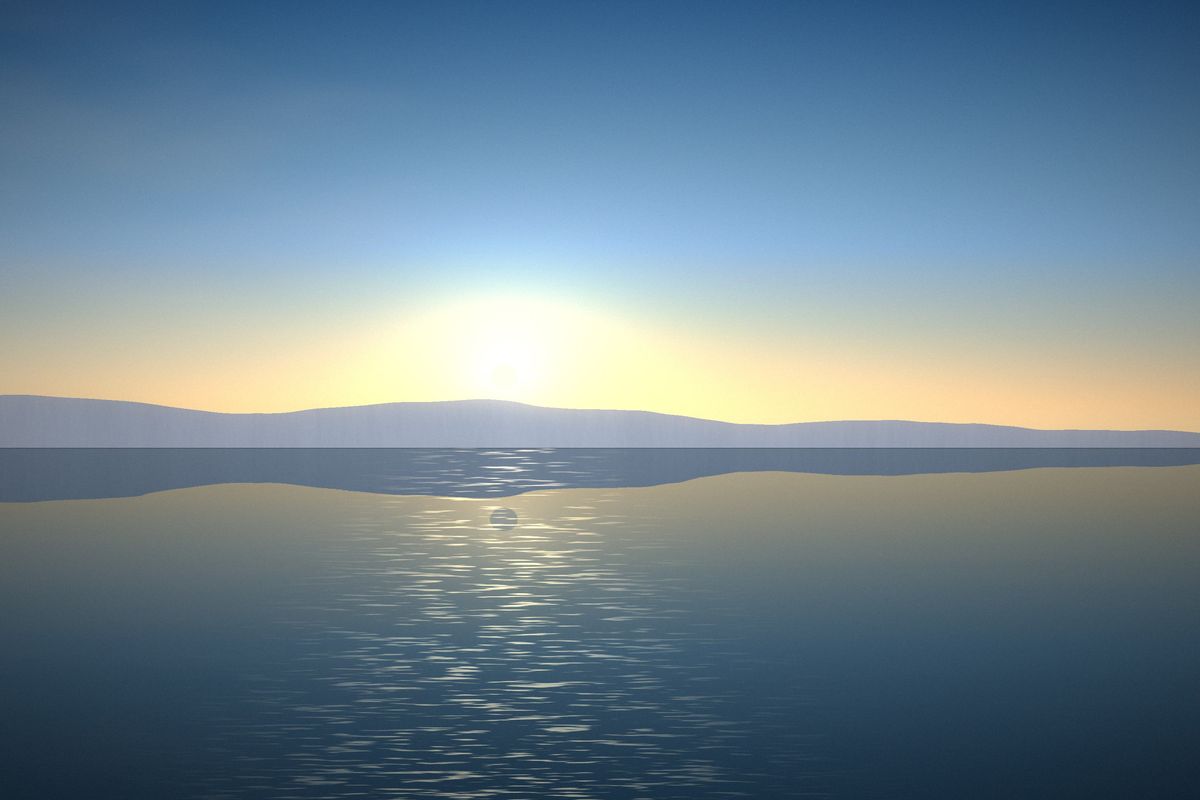 −89%3.4 MB to 375 KBSame 3000 × 2000 photo
Simple by default
Three steps, then download
- 1
Choose
Pick or drop your photos: one, a handful, or a whole folder.
- 2
Check
Slide across the before and after. Change size or quality only if you want to.
- 3
Download
Save the photo, or one ZIP with your folders kept inside.
Pick your job
All tools
Each page starts with the right settings for one job. Everything else stays the same.
Compress
- Compress photosOne photo or a whole folder, one recipe, a skyline of sizes with a line you drag, and a receipt for every file.
- Compress JPEGOne quality number for every JPEG, printed on every row; capture information kept or removed.
- Compress PNGA 256 or 128-colour palette against a lossless pass, the smaller kept, transparency intact.
- Compress WebPLossy WebP at a quality you choose, or lossless with every pixel compared.
- Compress GIFAnimated GIFs under 10, 8 or 5 MB, with the motion and timing kept.
- Compress iPhone photosHEIC to small JPEG where your browser can open HEIC, with every format change stated on its row.
- Compress image without losing qualityNo re-encode: JPEG Huffman tables rebuilt, PNG recompressed, pixels compared before a row says identical.
By size
- Reduce photo size in KBType a KB target or a range. Quality first, then fewer pixels, checked against the exact bytes written.
- Compress photo to 20 KBSignature-sized limits: the pixels come down as well as the quality, with a legibility floor.
- Compress photo to 50 KBThe 20–50 KB range bank and PAN-style forms ask for, with both ends checked.
- Compress photo to 100 KBQuality first, pixels kept where they can be: the common portal upload limit.
- Compress photo to 200 KBSharp enough to print, under 200 KB: usually quality alone gets there.
- Compress photo to 1 MBMB-scale limits for listings and portals: quality first from 88, pixels only if they must.
- Increase photo size in KBReach a form's minimum honestly: a higher quality, then more pixels up to a limit. Never padding.
Forms & documents
- Compress photo for exam formSourced, dated presets for bank, PAN, NEET, SSC and US visa uploads, with a PASS or FAIL line per file.
- Compress signature to 20 KBPaper whitened, ink darkened, cropped to the ink, sized to 140 × 60 and checked.
- Compress a scanned documentPaper whitened, text darkened, 200 DPI, under 300 KB a page.
- JPG to PDF under 200 KBPhotos into one PDF under the size you choose, in your order.
Sets
- Compress photos for emailA per-file ceiling and a measured total for the set, to check against the attachment limit.
- Compress a photo libraryStorage framing: folder structure preserved, originals untouched, gigabytes counted.
- Compress images for websiteWebP at quality 80, long edge 1920, capture information removed, folders kept.
- Reduce image resolutionFewer pixels by percent, exact width × height, long edge or megapixels, at a light quality.
- Photo metadata viewer and removerSee the camera, date and GPS place in a photo, then remove them.
Choose one photo and it opens large, with a before-and-after that follows the recipe as you change it. Choose several, or a folder, and every one becomes a bar on the skyline: drag the line down to see how many are over it before anything runs.
What this does
Compress photos on the device you are using, without sending them anywhere. One photo opens large, with a split before-and-after that re-encodes itself as you change the recipe. A folder of four thousand opens as a contact sheet, with every photo a bar on the skyline above it, so you can see how many are too big before anything runs.
Either way there is one recipe and one receipt. You declare the rule once; every file meets it in turn and gets a row: what it weighed going in, what it weighs coming out, the setting that won and — where nothing was written — the reason in words. At the end there is a single line of arithmetic, and a file or a ZIP shaped like the folder you started with.
Setting the rule
- Quality is the setting most people mean by compression. It rewrites the same pixels more cheaply, and the three positions here are printed with the numbers the encoder actually receives.
- Size per file has three modes. A ceiling keeps every file under a size at the batch quality, searching down only the files that are over it. A target does the same and, when quality 40 is still too big, steps the pixels down until the file fits — this is what forms that say "under 50 KB" need. A range adds a minimum, reached with a higher quality and never with padding.
- Drag the line on the skyline to set the size and watch how many photos sit above it. It snaps to the sizes forms ask for: 10, 20, 30, 50, 100, 200, 300 and 500 KB, 1 and 2 MB.
- The long edge cap is the largest saving available on camera files and the only part of the rule that cannot be undone from the output, so it is off until you turn it on.
- Capture information — the date, the camera, sometimes the place — is kept by default here. What removing it would have saved is reported separately, so that choice can be made on a number.
- Two skip rules keep the total honest. Files under the floor are left alone unless the size rule needs them, and a re-encode that came out larger is thrown away with the original kept in its place.
What it will open
JPEG, PNG and WebP are read and written; GIF, BMP and AVIF are converted when the recipe names JPEG or WebP as the output. HEIC (the iPhone’s format) opens only where the browser decodes it itself, which today means Safari, and is written as JPEG; anywhere else each HEIC is left alone with the reason on its row. TIFF is not opened yet. Every file is identified from its leading bytes rather than its extension.
Anything else in a folder is counted and left alone: video, audio, sidecar files, RAW from any camera, and the half of a Live Photo that is a movie. Those are reported as unsupported rather than as failures, which matters in a report somebody is meant to trust before they delete anything.
Two kinds of file are skipped on purpose even though they could be opened. A CMYK JPEG would come back with its colours shifted, and a photo beyond what this browser can decode safely is skipped with its dimensions on the row instead of taking the job down with it.